Tool guides
How to Use a Random Animal Generator: Filters, Batches and No Repeats
Learn how to choose an animal group, generate a batch, avoid repeated entries, and save or share results for drawing, lessons and games.
A random animal generator is useful when choosing a subject takes longer than doing the activity. Instead of writing a prompt or scrolling through a directory, make a draw and use the result as a starting point. The important step is deciding what the result needs to help you do.
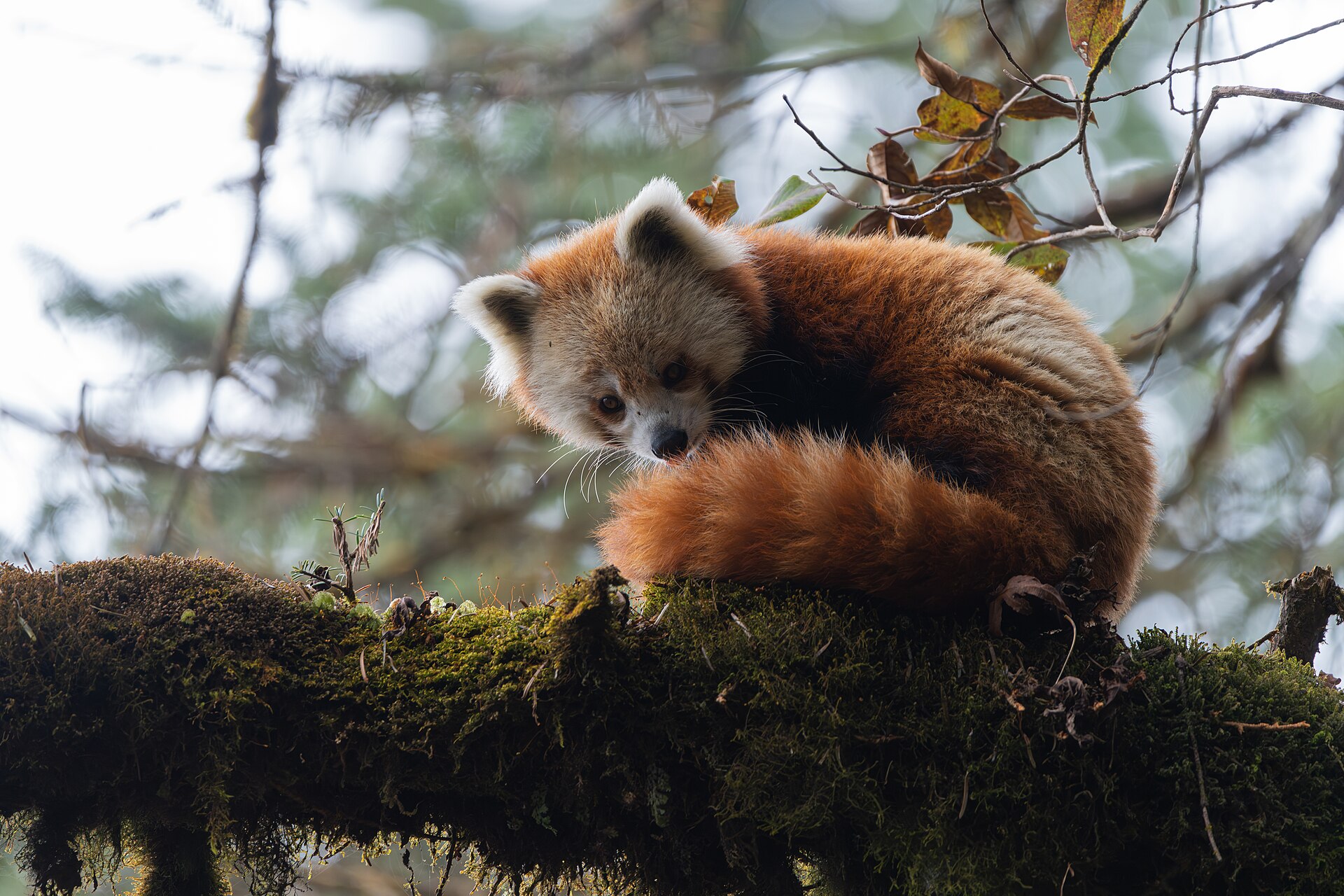
Random Animal Picker selects real entries from its animal catalog and shows photographs with available facts. It does not create a new animal image. This guide explains how to move from a single draw to a useful set of subjects without confusing a random selection with a research answer.
Choose the task before the animal
Write a one-sentence goal before making a draw. For a sketch, that might be: I need one reference for a five-minute silhouette study. For a lesson, it might be: I need three animals that students can compare using the same questions. A goal gives you a fair reason to keep or replace an unfamiliar result.
Use the homepage for an open-ended choice. Choose a dedicated bird, cat, dog, reptile or other available generator when the group matters. The category directory is the better place to browse deliberately; the generator is for making a selection without choosing the individual yourself.
Set the group and batch size
On the homepage, open More options: type, quantity & repeats. Choose Animal type and Number of results. The available presets are 1, 3, 5 and 10. Choosing a group starts a new round, so set the scope before drawing a classroom set or building a game list.
The cat generator also separates all cats, domestic cats and breeds, and wild cats. These options change the pool, not the appearance of the photographs. An entry can represent a species, a subspecies or a breed; two different entries may share a scientific name.
| Task | Suggested setup | What to keep |
|---|---|---|
| One sketch | Any group, 1 result | The profile link and one drawing constraint |
| A comparison | One group, 3 results | Two usable subjects and a spare |
| Group activity | A suitable group, 5 or 10 results | A numbered list of assignments |
Understand what no repeats means
With No repeats this round enabled, the starting result and later draws are excluded from subsequent batches in that round. A batch itself contains distinct catalog entries. This is entry-level uniqueness: it is not a promise that every result belongs to a different species or family.
Watch the used and remaining counts. When fewer entries remain than you requested, the tool returns the remainder rather than filling the batch with repeats. Once the pool is exhausted, use Reset round to start over. Do not assume a round is a permanent account record: refreshing or leaving the tool can start a fresh session.
Keep a useful result before drawing again
A new batch replaces the visible results. Before another draw, open the relevant profile, save the animal, or copy the names. Saves are local to the browser and device when browser storage is available; they are not a synchronized account collection.
Share works with an individual animal link, which is more useful than sending the homepage and asking someone to find the same result. When the browser blocks sharing or copying, use the manual link or text fallback shown by the tool. Copying names is useful for assignments, but keep profile links separately when the exact entry matters.
Treat the result as a lead, not a complete report
A result card is intentionally brief, and some entries have fewer facts than others. Open the profile for the available information, photo credit and source links. A missing lifespan or habitat is not permission to fill in a plausible value. For research, record the gap and consult a suitable source.
Random selection also does not make a set representative of the animal kingdom. The catalog contains groups of different sizes and may include many breeds within one species. Use an explicit assignment plan when you need balanced groups, and describe your activity as a catalog draw rather than a scientific sample.
Try a three-draw routine
For a short creative session, choose one group and generate three results. Pick one subject for its outline, one for its pose and one to research later. Write down why you kept each. You have now turned a random list into three specific tasks without needing a perfect first result.
For a group session, agree on replacement rules in advance: allow a replacement when the photograph is unsuitable or the necessary facts are unavailable, not simply because the animal is unfamiliar. That keeps the draw useful while leaving room for practical judgment.
Questions or corrections? Contact us. Animal facts and image licenses are documented on the linked profiles and in our source policy.