Research
How to Turn Animal Research into a PDF Fact Sheet
Create a one-page animal fact sheet with checked sources, clear image credits and a readable layout. Use AskPDF to find tools for your PDF task.
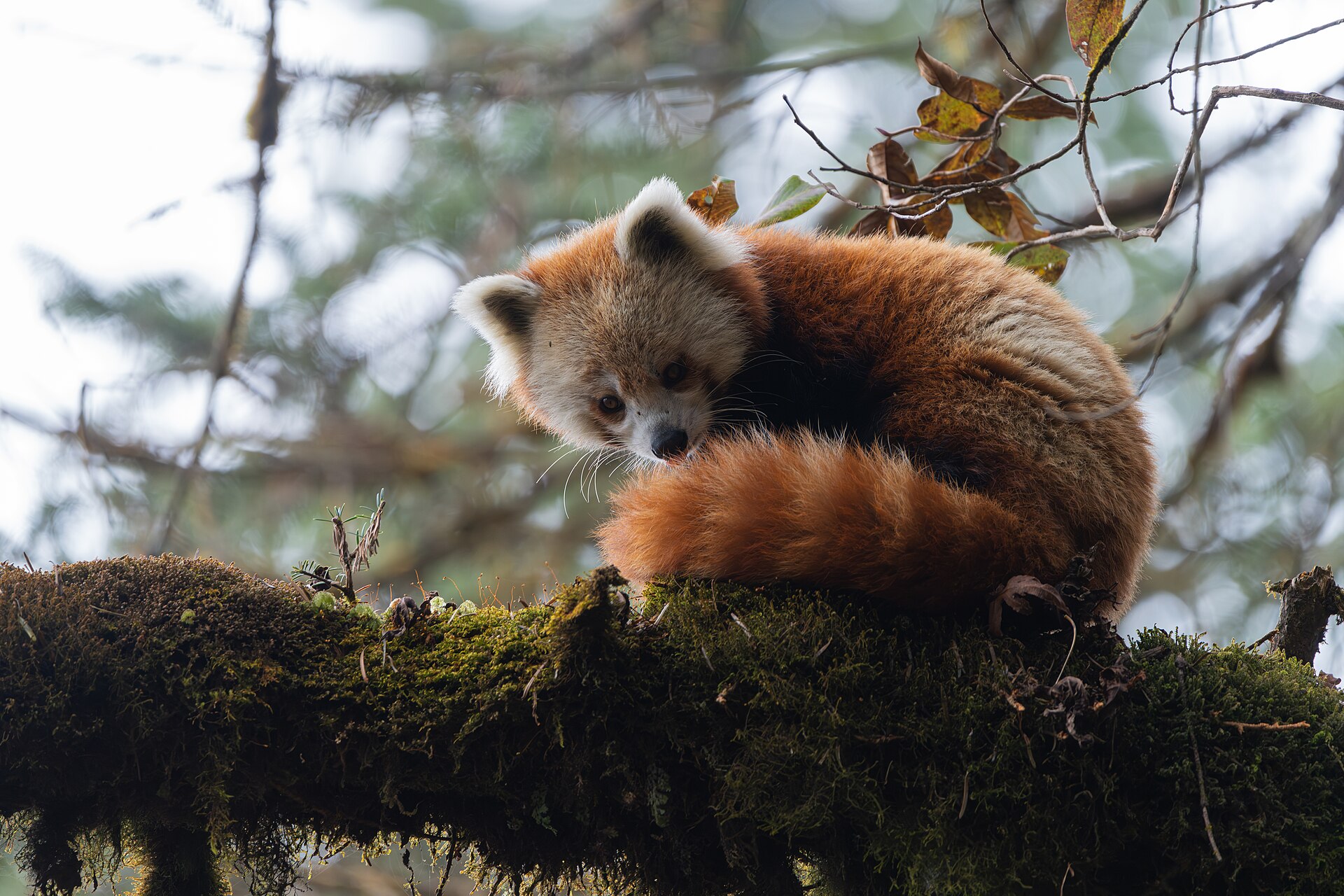
An animal fact sheet gives a research activity a clear finish. Choose one animal, answer a few specific questions, and place the answers on one page. The PDF can then become a classroom handout, a study note, or a companion to a drawing.
Start with the research rather than the software. Random Animal Picker can help you choose a subject. AskPDF can help you find tools when you need to convert, combine, or edit documents. This guide connects those steps and keeps the source of each claim visible.
1. Choose an animal and a question
Generate one animal or browse the directory for a subject you already have in mind. Keep its profile link. Record both the common name and the scientific name when available. If the entry is a breed or subspecies, keep that detail so you do not mix it with a broader group.
Choose an audience before you write. A short classroom handout may need a habitat description and two observations. A personal study note may need a more detailed question. Set a limit of three research questions so the page has a clear purpose.
2. Keep a small evidence log
Open the source behind each fact you plan to use. Write a short answer in your own words and record the exact page URL. Note the section that supports your answer. A profile is a useful starting point, but it may not contain every detail your question requires.
Keep conditions with measurements. A value reported for managed care should not become a claim about all wild animals. When a source leaves a detail unclear, mark it as unknown or leave it out. Do not fill a blank with a number that merely sounds reasonable.
| Question | Your note | Evidence to keep |
|---|---|---|
| Which animal is this? | Common name and exact entry | Profile URL and scientific name |
| Where does it live? | A short habitat description | Source URL and supporting section |
| What can I observe? | One detail visible in the photo | Image source and credit |
| What is still unclear? | A gap or disagreement | What needs another source check |
3. Arrange the information on one page
Use a document editor you already know. Put the animal name at the top, followed by one image and three short sections. Give each section a heading that matches a research question. Add a source list at the bottom and keep the text large enough to read on paper.
Keep photo observations separate from factual claims. A picture can show a pose or a visible marking. It cannot establish the animal's full range or typical behavior by itself. Check the image license before reuse and keep the required credit with the image.
Leave space between sections. If the page becomes crowded, remove a less useful fact before reducing the text size. Include the date you checked your sources. This makes the sheet easier to review when information changes or a reader asks where an answer came from.
4. Find a PDF tool with AskPDF
Try your document editor's PDF export first. If you need an extra operation, name it clearly: convert a document, combine two pages, reduce the file size, or extract text from a scan. That task gives you a useful basis for comparing tools.
AskPDF at askpdf.top is a directory for finding and comparing PDF tools. Its listings show information about pricing, features, and where files are processed. Use those details to build a shortlist, then open the tool's own website to confirm the current limits and instructions.
AskPDF does not process your fact sheet. The tool you choose handles the file. Check whether that tool runs on your computer or sends files to a service. If the sheet contains student names or private notes, remove those details from a sharing copy or choose a suitable local workflow.
For a scanned source, you may need text recognition. For a page you wrote yourself, ordinary PDF export may be enough. Choose the smallest operation that finishes the task. There is no need to add a document chat tool or another conversion step to every worksheet.
5. Check the exported PDF
Open the exported file before sharing it. Check the animal name, paragraph breaks, image, source links, and page count. Compare the PDF with your original document. Conversion can change spacing, so a clean editing view does not prove the final file is readable.
Try selecting a sentence if you expect searchable text. Click each source link and confirm that it opens the correct page. View the file on a smaller screen. If the sheet is for printing, use print preview to check the margins and make sure the image credit remains visible.
- Confirm that the PDF contains the intended page only.
- Check that no heading or source URL is cut off.
- Keep the original document for later corrections.
- Give the PDF a clear filename with the animal name and date.
6. Give the sheet a next step
End the activity with a question the reader can answer from the sheet. Ask them to identify a visible feature, compare two supported facts, or explain which question remains unanswered. The PDF should help someone do something with the research.
For another session, repeat the same structure with a second animal. Compare the sources as well as the answers. A missing fact is a useful discussion point. Keep the editable documents and evidence notes together so you can correct a claim without starting the whole activity again.
Questions or corrections? Contact us. Animal facts and image licenses are documented on the linked profiles and in our source policy.